Code & data
Create a QR code that still scans after you print it
Choose a stable destination, preserve the white margin, and test the downloaded QR at the size and distance people will actually use.
THE KITFORMA BLOG
Practical ways to work with PDFs, images, text and data. Find the right approach, follow the steps and put it to work with a free tool.
practical guides
Every guide is available in English and Turkish.1–19 / 19 guides
Code & data
Choose a stable destination, preserve the white margin, and test the downloaded QR at the size and distance people will actually use.
Code & data
Understand what Base64 changes, choose the right alphabet, and avoid mistaking readable encoding for protection of passwords or tokens.
Code & data
Learn when to use URL encoding or decoding, compare %20 with +, and test query values, Unicode and double encoding with working examples.
Code & data
Make a JSON document readable while understanding duplicate keys, large numeric identifiers and the difference between syntax and schema.
Code & data
Handle headers, quoted cells, leading zeros and spreadsheet formulas, and understand why a CSV–JSON round trip is not always reversible.
Code & data
Find product-code patterns in sample text, check match positions, and understand the limits of KitForma’s bounded regex tester.
Code & data
Compare two exact text digests, diagnose whitespace differences, and distinguish a text hash from a file checksum or password-storage scheme.
Code & data
Work through decimal and binary file sizes, US and Imperial gallons, and absolute temperatures with explicit unit conventions.
Code & data
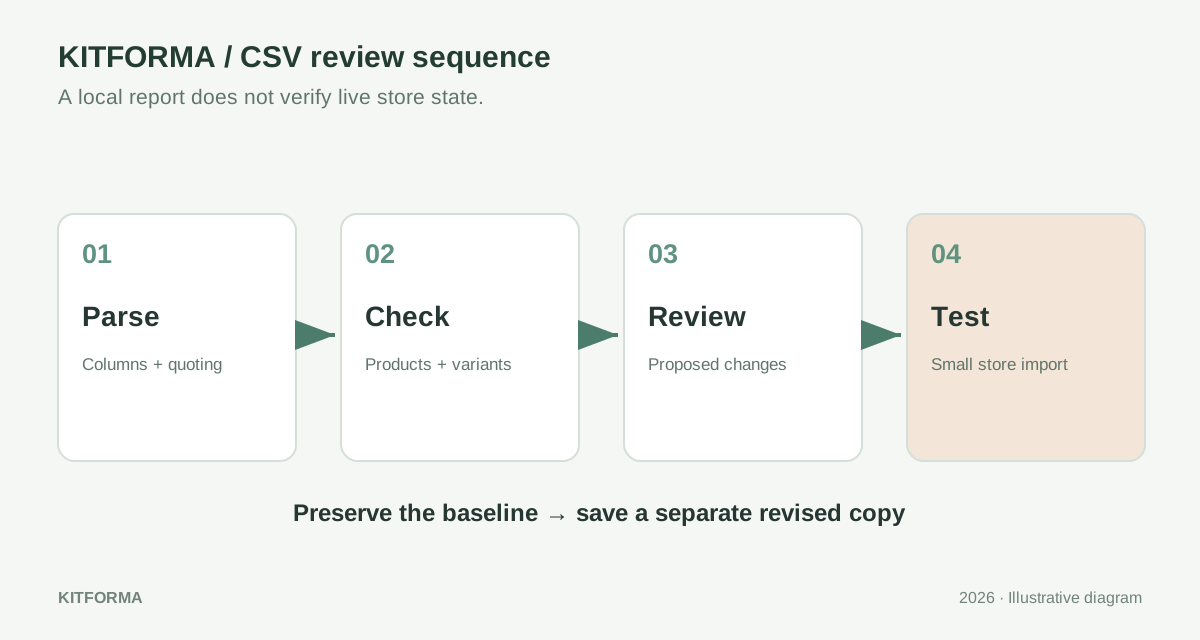
Diagnose headers, quoting, variants and image links in a Shopify product CSV, then review changes and test a small import deliberately.
Code & data
Separate real search observations, your own listing text and assumptions. Compare a small set of relevant keywords without inventing competitor sales or search volume.
Code & data
Reconcile your own order-item export with a small test. Map quantities, dates and currencies explicitly, and keep item totals separate from profit and deposits.
Code & data
Diagnose damaged characters separately from spreadsheet conversions. Recover from an untouched source, preserve identifiers and rehearse a small product import.
Code & data
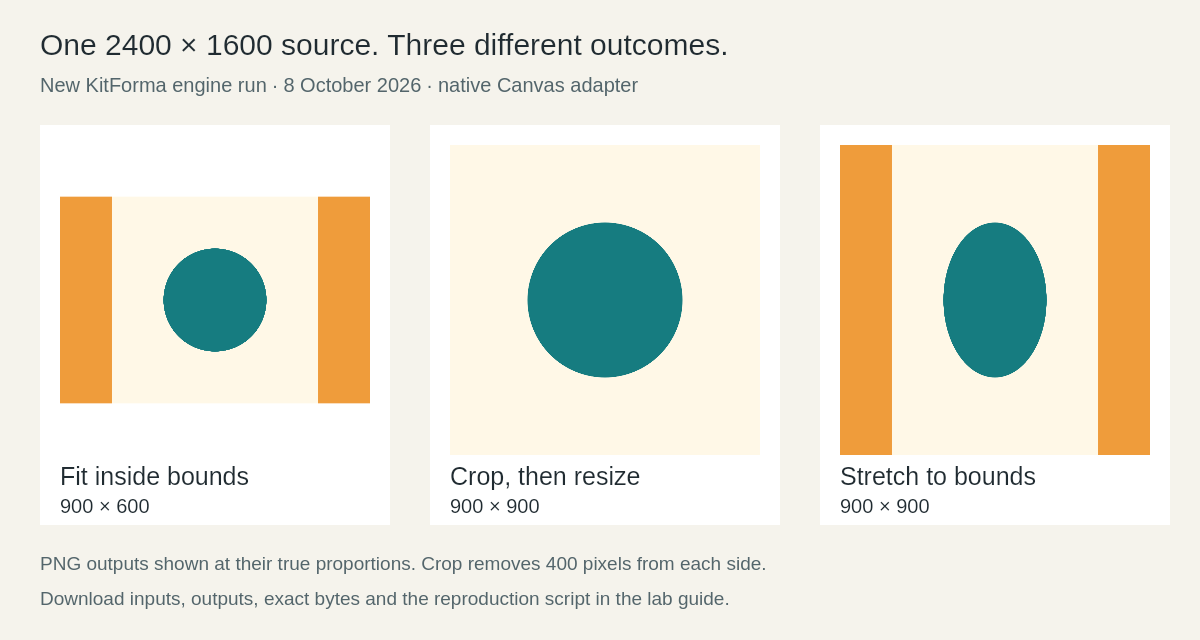
Repeat a small KitForma experiment with downloadable CSV and image inputs, actual outputs, exact byte counts, source code and clearly stated limits.
Code & data
Choose a question, log comparable releases, calculate rates with their denominators and use AI to inspect a real export without fabricating analytics.
Code & data
Trace a harmless label through raw text, HTML source and rendered output; repair the wrong layer without repeatedly decoding unknown content.
Code & data
Use a four-record contact example to distinguish an omitted field, null, an empty string and a real value before a CSV export hides the difference.
Code & data
Diagnose an extra-data parse error with two synthetic event records, keep line boundaries meaningful and choose the format your importer actually accepts.
Code & data
Use a two-order CSV fixture to distinguish physical lines from records, avoid breaking quoted notes and verify a split export by stable IDs.
Code & data
Build a harmless three-cell fixture, distinguish CSV quoting from spreadsheet interpretation and record whether protection changed the delivered strings.